Steps to download Fyers Tax P&L report
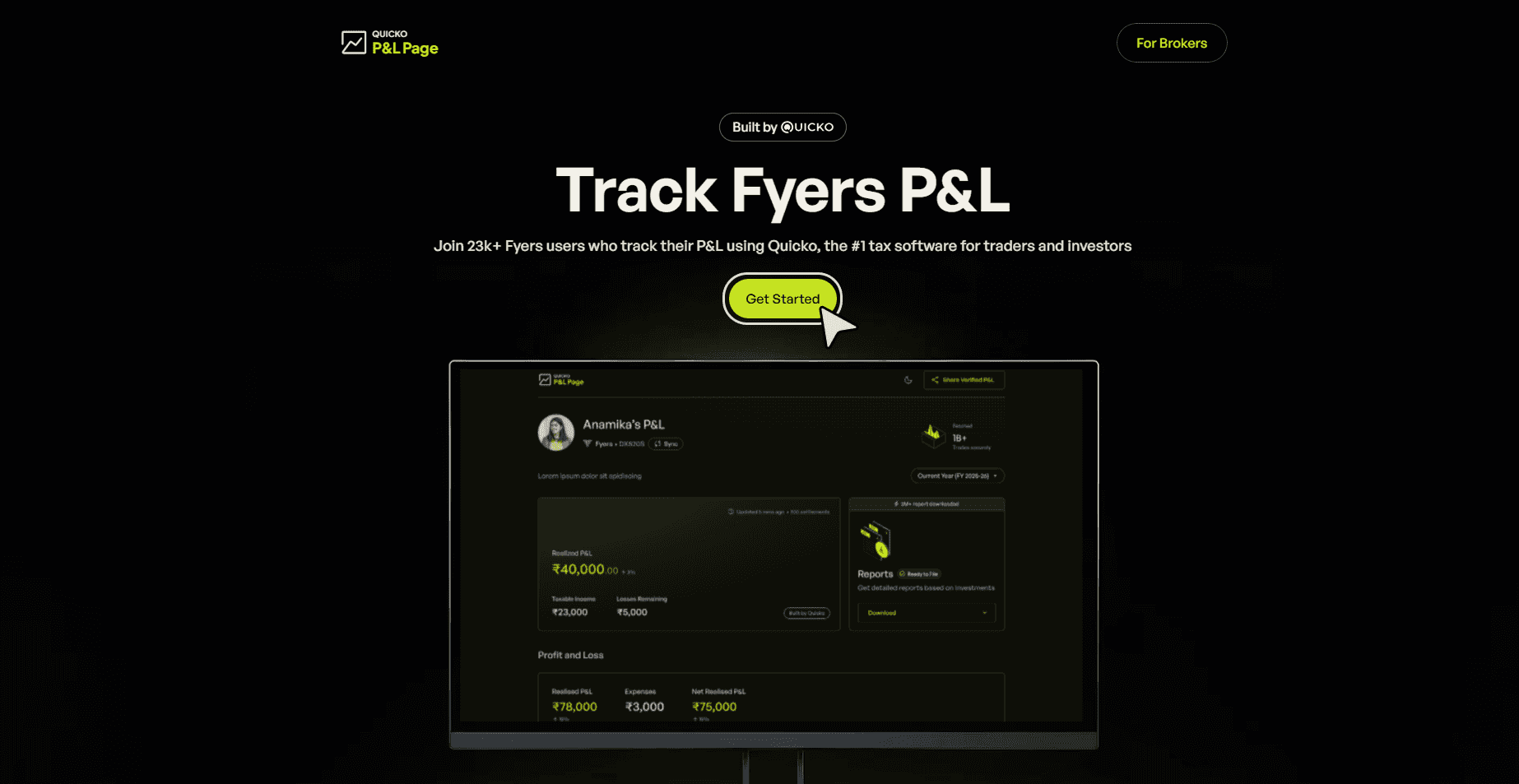
Click on Get Started
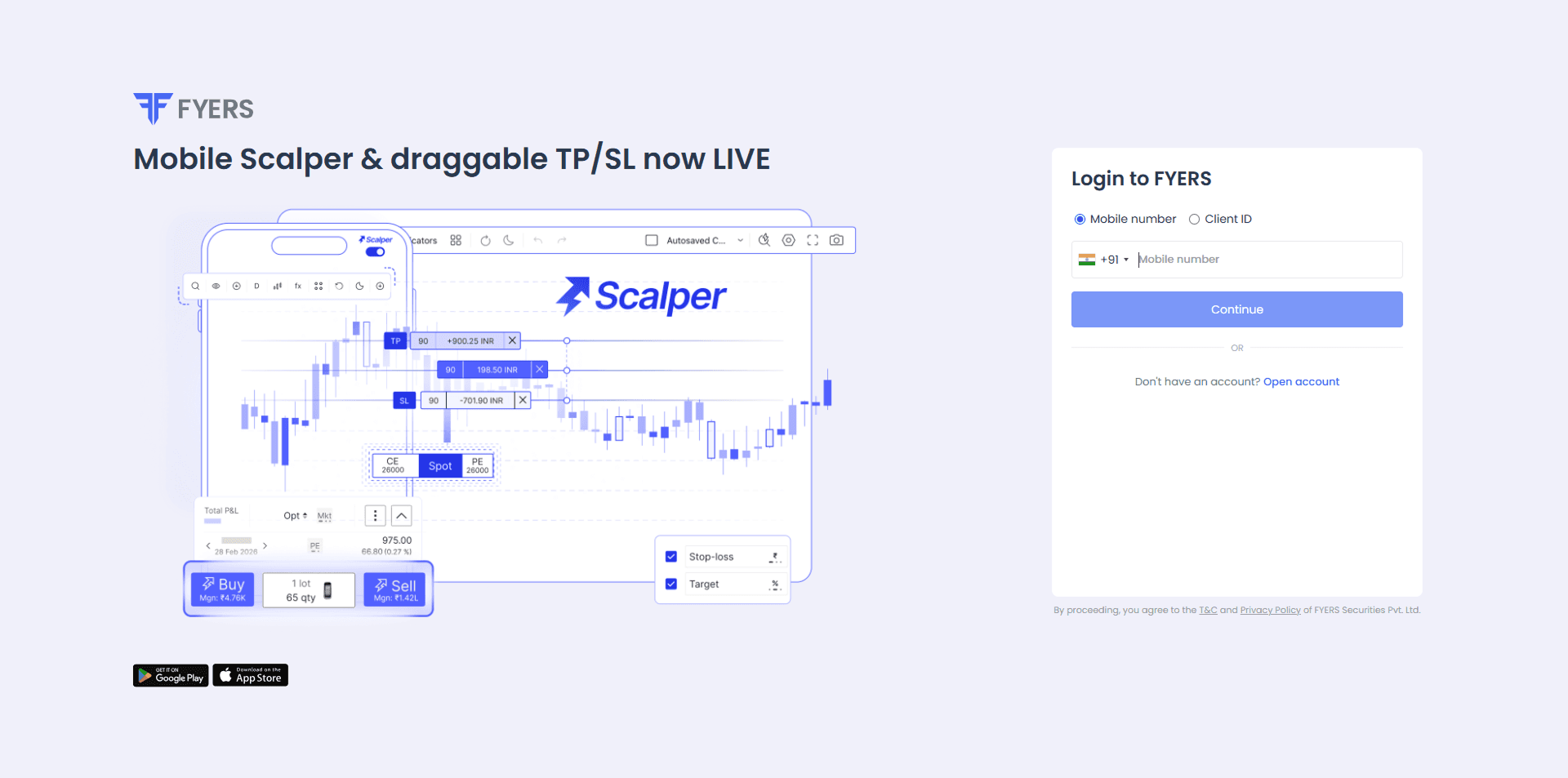
Connect Fyers Account
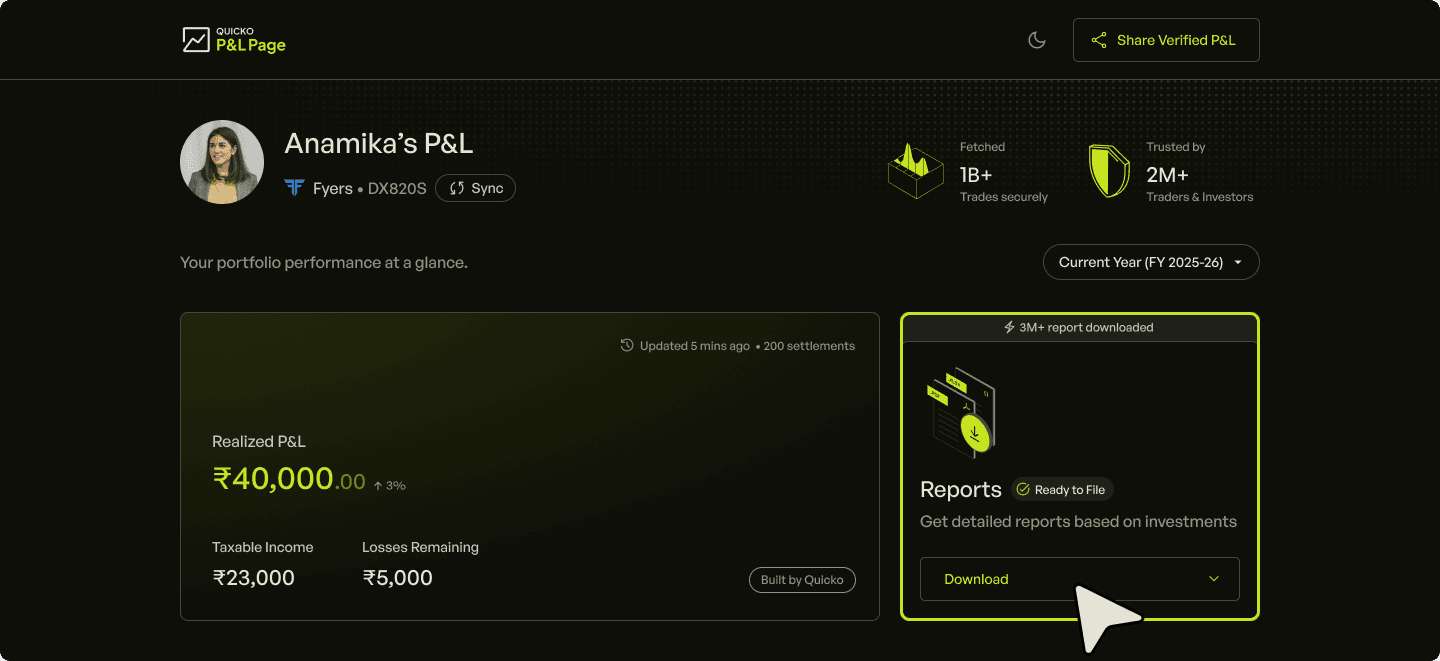
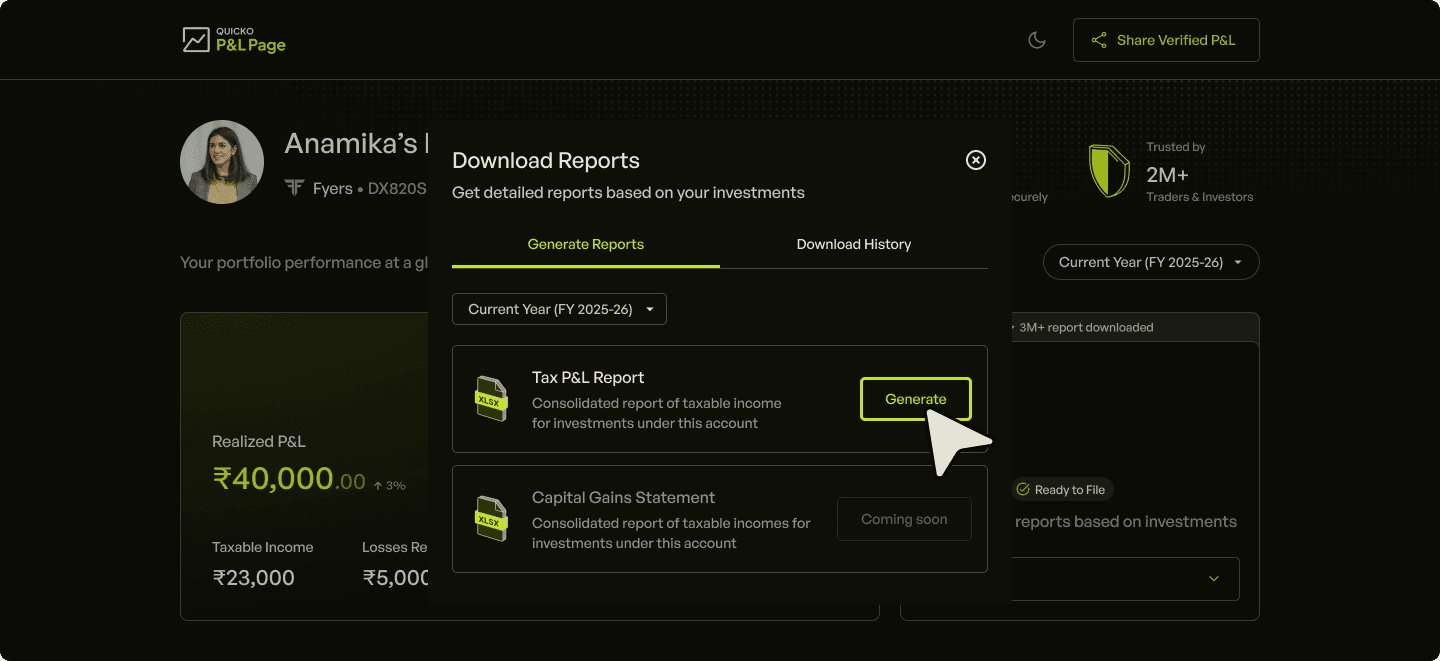
Navigate to Reports and Click on Download
Choose Financial year
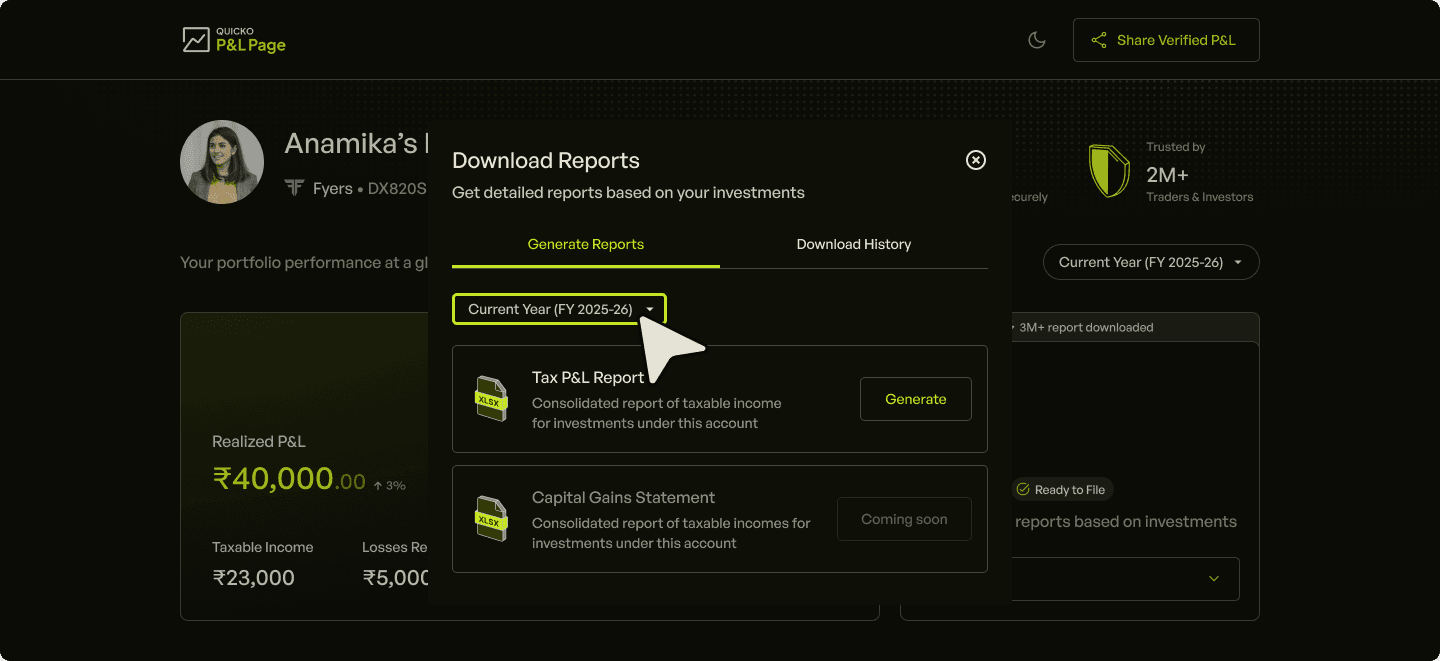
Click on Generate
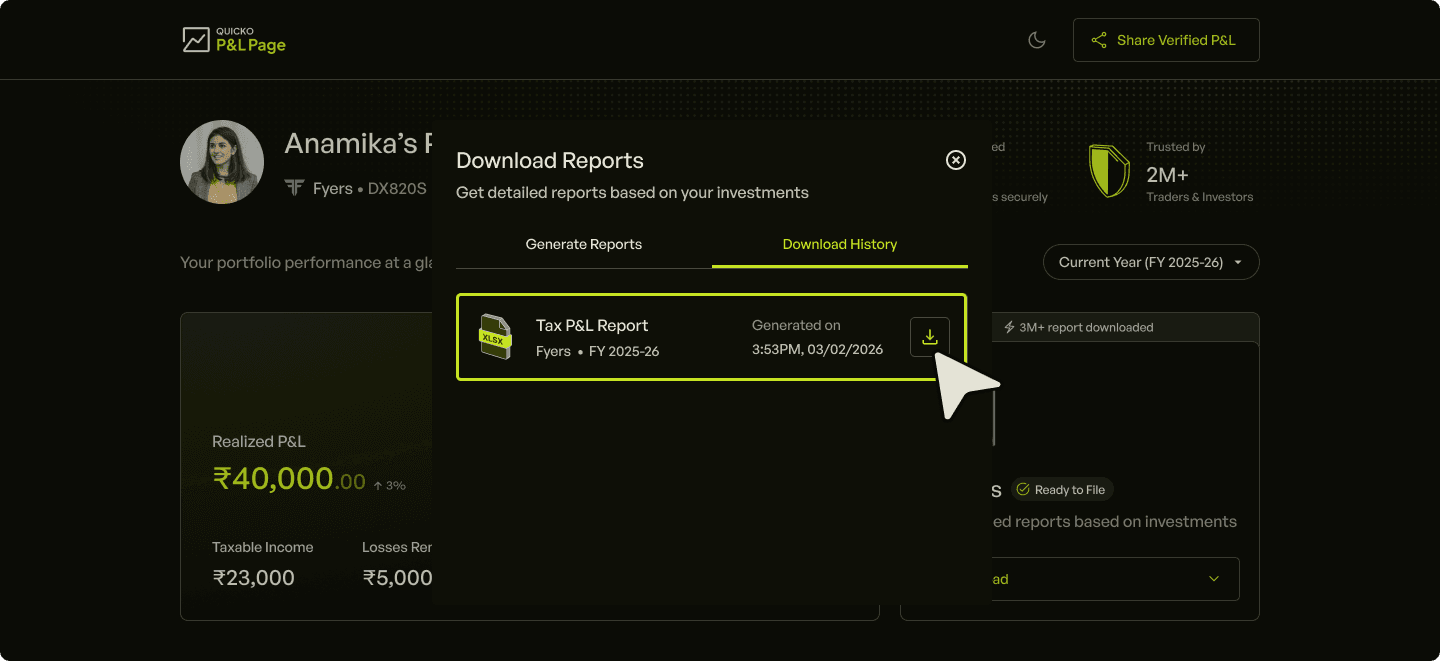
Under Download History section click on download icon and you report will get downloaded
Frequently Asked Questions
Is the Fyers Tax P&L report from P&L Page enough to file my Income Tax Return (ITR)?
Does the Fyers Tax P&L report include brokerage, STT, and other charges?
Can I download Fyers Tax P&L report for previous financial years?
Can I generate a combined Tax P&L report for Fyers and other brokers?
Is downloading the Fyers Tax P&L report from P&L Page free?
How is this report different from the one I download directly from Fyers?
Fyers Tax P&L Report
Fyers is India's leading stock broker. Customers use Fyers to invest in stocks, MFs, ETFs or trade in Futures & Options contracts. Any profits or losses from investing or trading is subject to income tax.
Tax P&L report is statement provided by broker that summarises realised gains, losses, and charges for a specific financial year. It is designed to simplify tax planning and filing by categorising trades into long term, short term capital gains and speculative/non-speculative income.
P&L Page is a free tool for investors & traders to connect their Fyers account, sync trades, visualise their P&L and download in-depth Tax P&L Report for the current and previous financial year.

For Traders
For Brokers